Link All for Android
Your phone, on your desk.
Link All runs quietly in the background, appears in every app's Share menu, and brings your calls and texts to your computer.
Android 8.0 or later · Version 2.1.0 · 18.4 MB
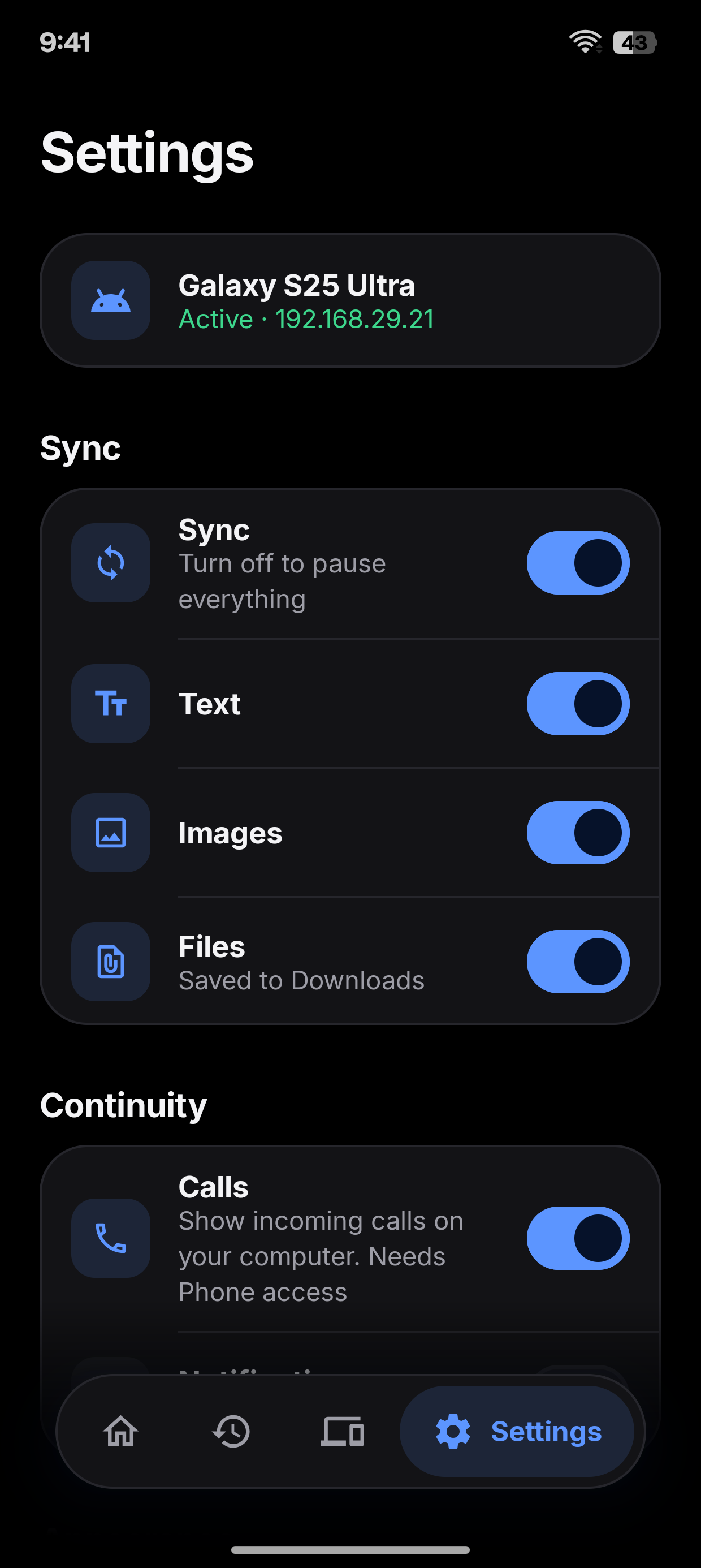
A tour
A look around Link All for Android.
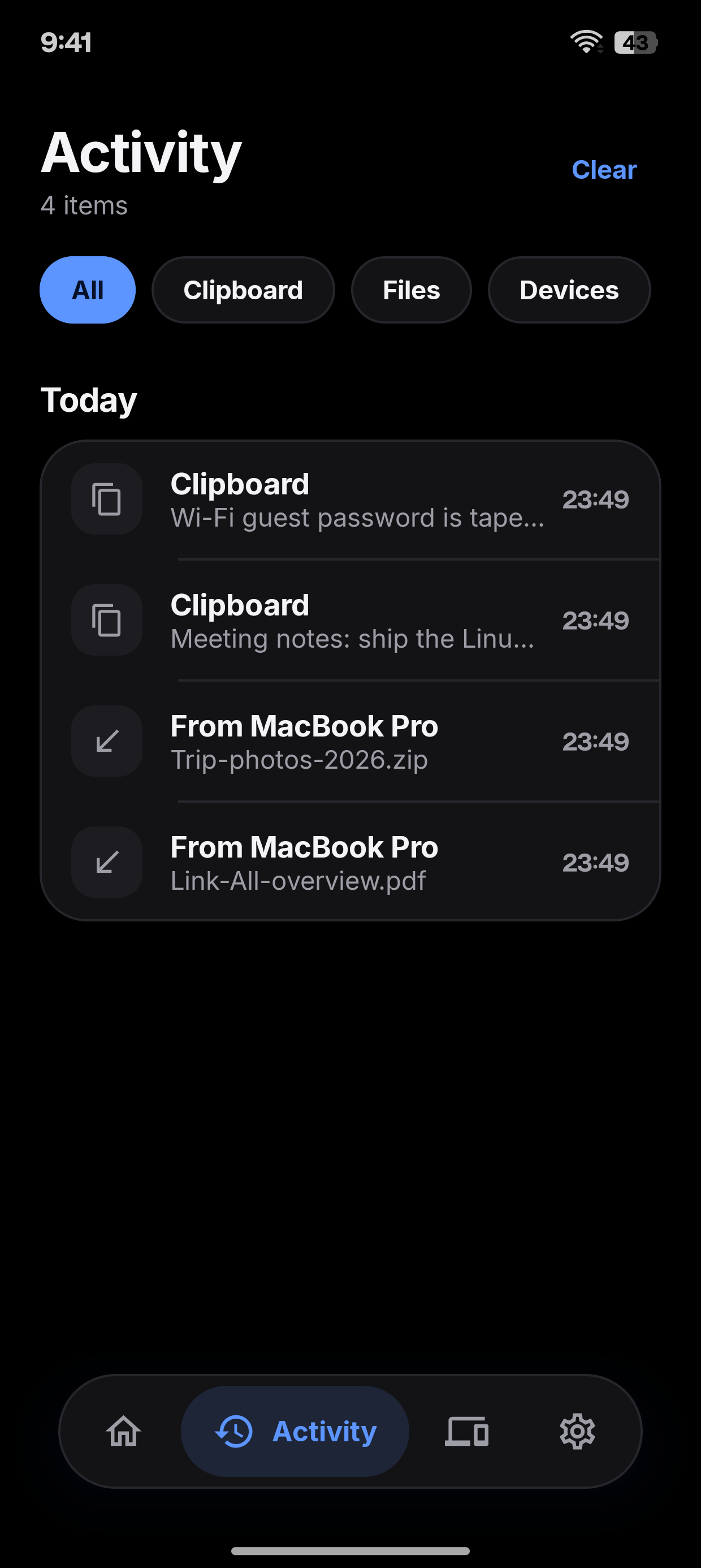
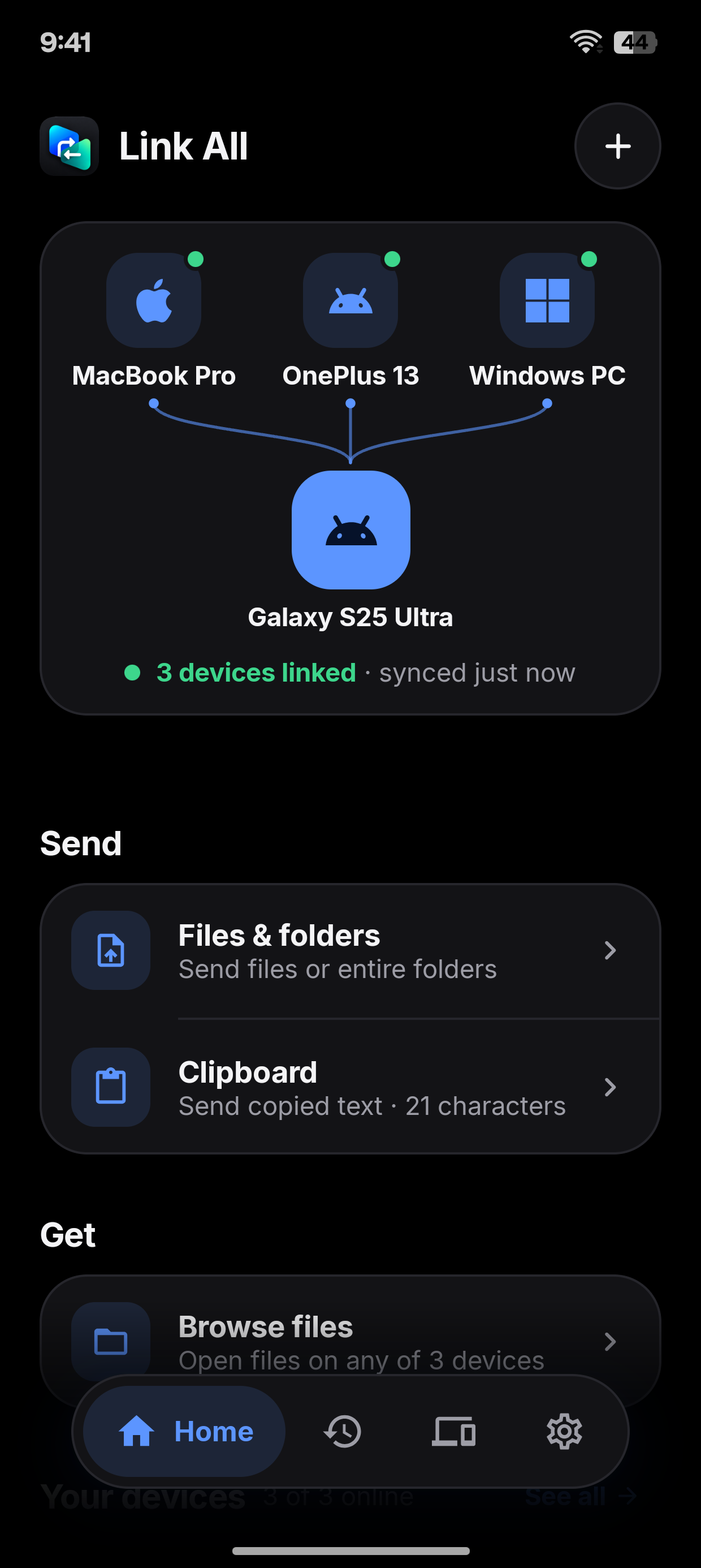
It is built for Android, so it behaves like the rest of your phone. Every screen is here, in light or dark.
Home. This phone linked to your devices, with one tap to send files or your clipboard, or browse a computer.
Only on Android
Made for where it runs.
Everything Link All does everywhere, plus the things that only make sense on Android.
Share sheet
Link All is a target in every app's Share menu. Pick a computer and it is sent.
Browse your computer
Search a paired Mac or PC's files from the phone, see previews, and fetch what you need.
Calls and texts
Incoming calls and messages appear on your desktop as native notifications.
SMS codes
One-time codes you receive can be copied to your computer, if you allow it.
Home screen widget
Send your clipboard or a file without opening the app.
Battery on the desktop
Your computer shows the phone's battery and charging state.
Verification codes
The code in a text from a bank, Google or GitHub shows on your computer with Copy and Paste. Off until you turn it on.
Folder sync
Pick a folder such as Camera and a computer, and new files go to it on their own.
Find my phone
Ring this phone from a computer at full volume, even on silent. Off until you turn it on.
Phone Remote
Use the phone as a mouse, keyboard and media remote for a paired computer. Needs Remote control on at the computer.
Insert from Phone
Take a photo or scan a document when a computer asks, and it lands where it was typing.
Notes
Notes, links and snippets shared between your own devices, with Save to Notes in the share sheet.
Now Playing
What a computer plays shows on the lock screen with a scrub bar, and its buttons control the computer.
Get started
Up and running in a minute.
Install it here and on one more device on the same Wi-Fi, LAN or hotspot. They find each other, and you confirm a code once.
- 1
Open the .apk and allow your browser or file manager to install apps.
- 2
Grant the permissions it asks for, including notification access for calls and texts.
LinkAll-android.apk18.4 MB
Download
Bring your phone to the desk.
Free, with no account. Install it on two devices and they find each other.