Download
Get Link All.
Install it on at least two devices on the same network, whether that is Wi-Fi, a LAN or your phone's hotspot. They find each other on their own, and you confirm a PIN once.
Version 1.3.3released September 5, 2026Release notes
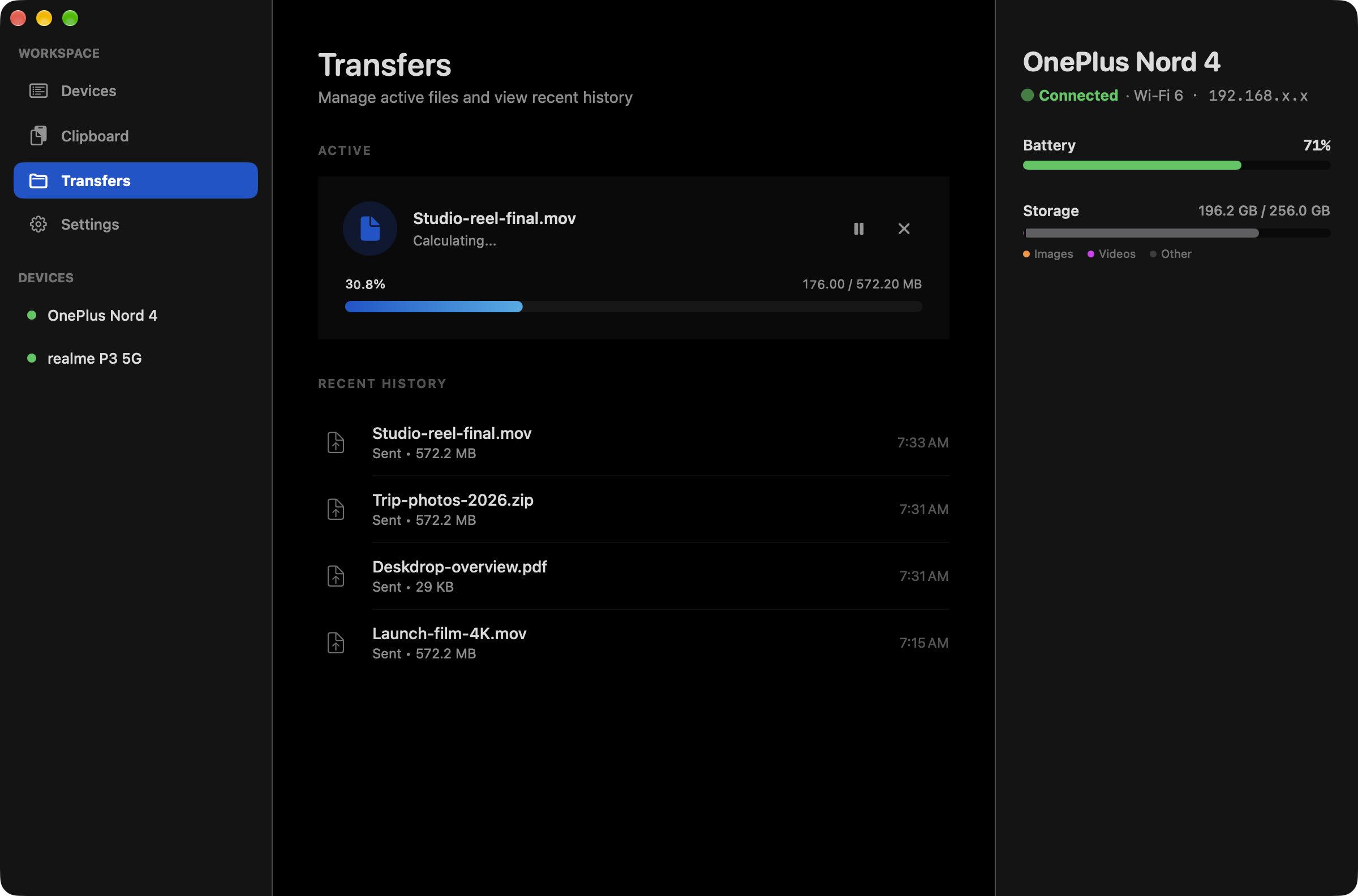
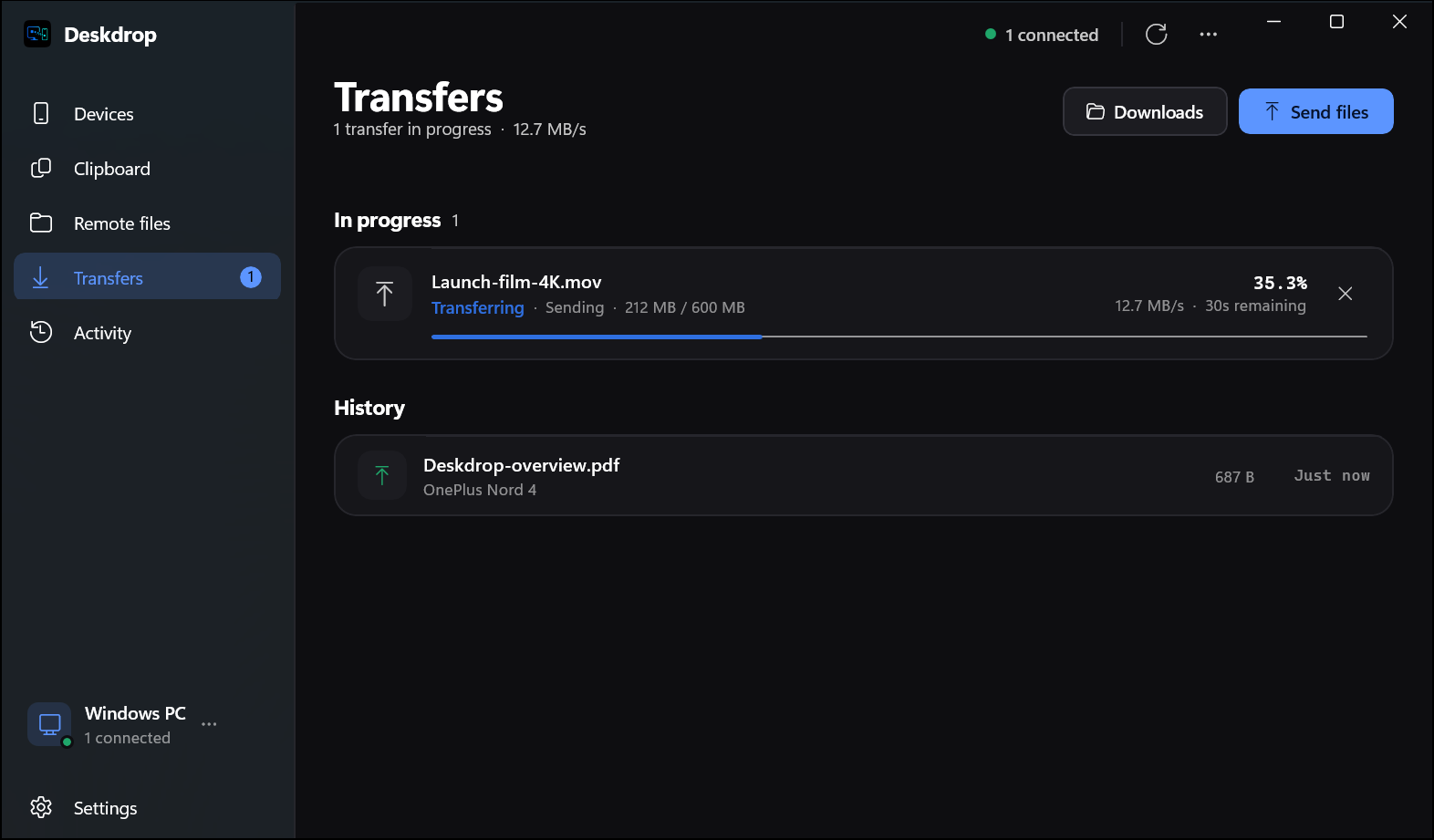
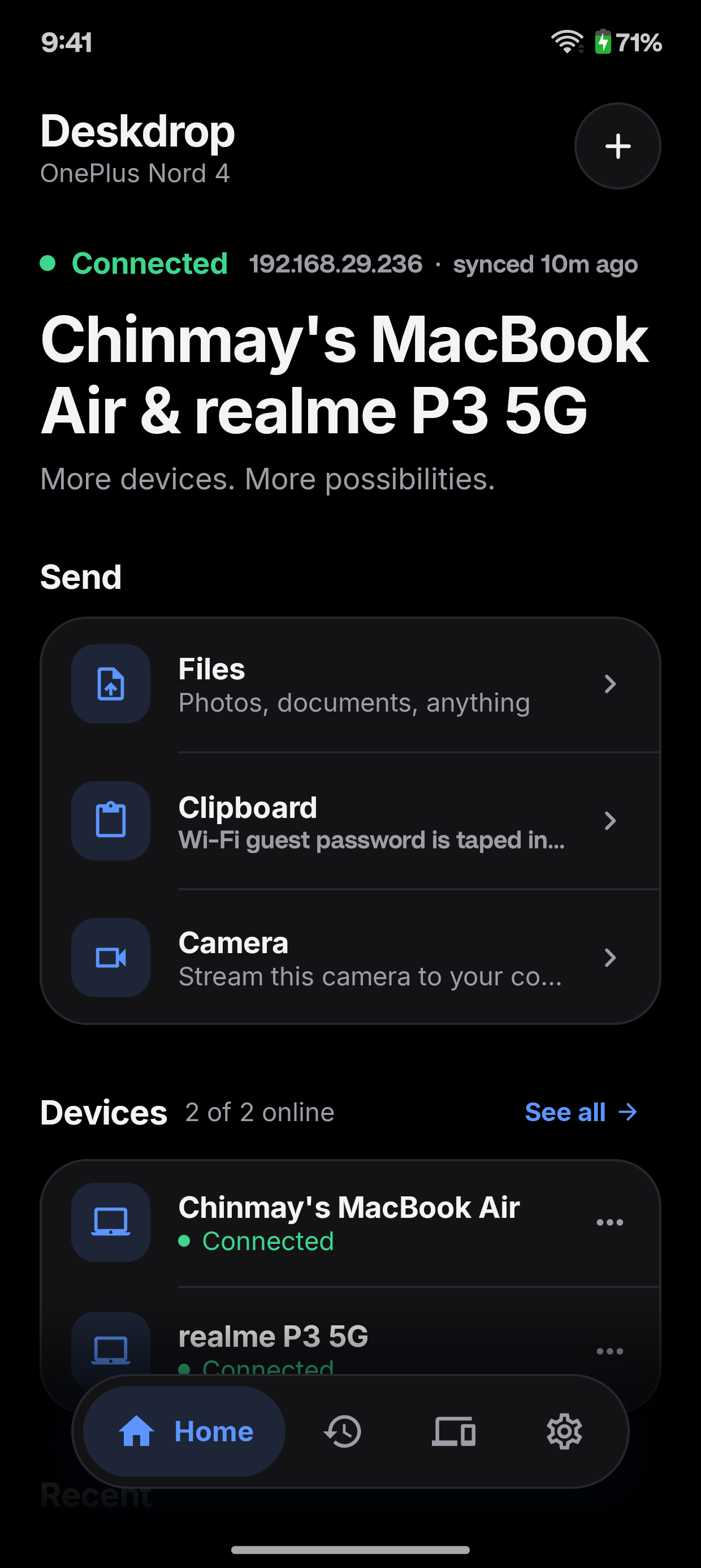
First launch
Two installs, one PIN, done.
Link All needs no account. Each platform asks for one or two things the first time, and that is it.
macOS
- 1Open the .dmg and drag Link All into Applications.
- 2If macOS blocks the first launch, open System Settings, Privacy & Security, and choose Open Anyway.
- 3Link All appears in the menu bar.
Windows
- 1Run LinkAll.exe.
- 2When Windows asks, allow Link All on private networks so your other devices can find it.
- 3Link All starts in the system tray.
Android
- 1Open the .apk and allow your browser or file manager to install apps.
- 2Grant the permissions it asks for, including notification access for calls and texts.
Linux
- 1Extract the archive and copy the binaries into your path.
- 2Install linkall.service into ~/.config/systemd/user and enable it.
- 3Check it with linkall-cli status.
Check what you downloaded
Every release ships a SHA-256 checksum for each file. Put it next to your download and compare before you install.
Get sha256sums.txtmacOS and Linux
$ shasum -a 256 -c sha256sums.txt --ignore-missingOr build it yourself
Everything is open source under AGPL-3.0. You need a stable Rust toolchain; the platform apps need their usual SDKs.
Build from source
$ git clone https://github.com/ChinmayyK/Link-All.git$ cd Link-All$ cargo build --release -p linkall-core